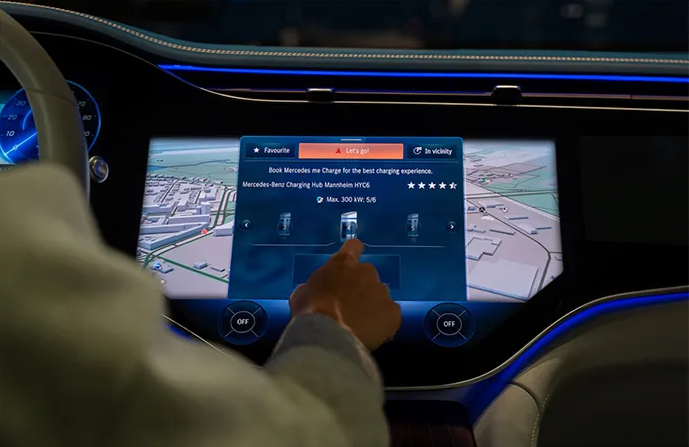
Easily activate and pay for charging sessions through the nation's largest charging networks.

Plug & Charge

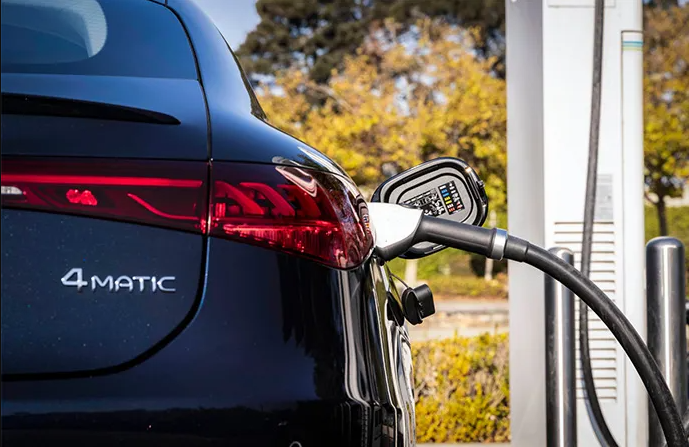
For seamless payment, Plug & Charge is available at all Electrify America, IONNA and Mercedes-Benz DC Fast Charging stations. Simply plug in your vehicle, and the charging station will process payment automatically and charging will begin momentarily. Make sure Plug & Charge is activated within the Mercedes-Benz app (formerly Mercedes me connect). Note: Model year 2022 and 2023 EQB and GLE 450e are not compatible with Plug & Charge. Instead, use the Mercedes-Benz app or MBUX center display to start a session at Electrify America chargers.
Mercedes-Benz of Milwaukee North All Electric.

Charging Time Calculator

Charge times vary based on charger types. A Level 2 charger, the most common type of public charger, offers 20–30 miles of range per hour of charging. With a Level 3 DC Fast Charger, you can charge your battery from 10% to 80% as quickly as 30 minutes.

Explore the Charging Time Calculator
Mercedes-Benz of Milwaukee North All Electric.

Range Simulator

Certain factors like outside temperature, topography and driving styles can influence the range of your EV's battery. Our Range Simulator tool allows you to input the variables of your environment to see how it may affect the range.

Explore the Range Simulator
Mercedes-Benz of Milwaukee North All Electric.

Navigation with Electric Intelligence

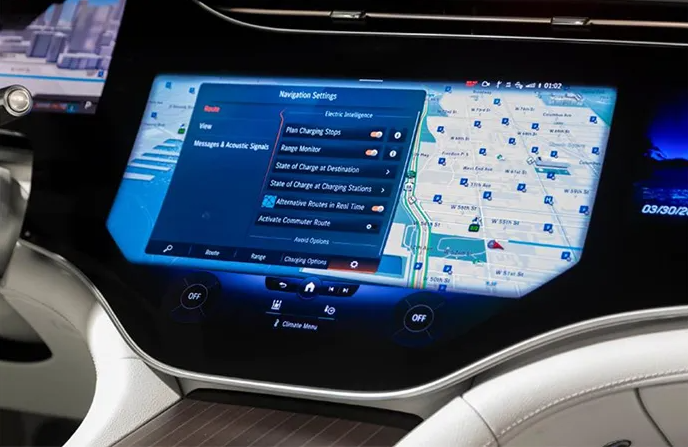
When planning travels beyond your vehicle's current range, Navigation with Electric Intelligence automatically calculates the fastest route, factoring in any necessary charging stops as well as an estimate of charging time needed.

Plus, Navigation with Electric Intelligence prepares the battery to charge as fast as possible, minimizing time spent at the station.

Mercedes-Benz of Milwaukee North All Electric.

MB.CHARGE Public Card (RFID)

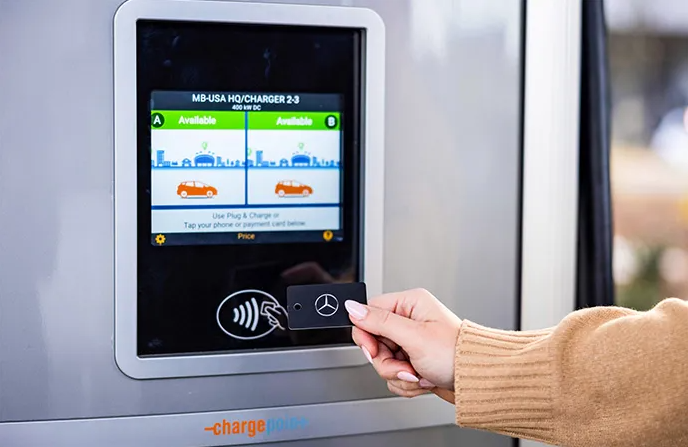
Some charging networks, like ChargePoint and EVgo, accept RFID payment cards. Here, the MB.CHARGE Public Card offers a simple way to activate and pay for a charging session — with just a tap. Activate your MB.CHARGE Public Card when activating your MB.CHARGE Public service.

Mercedes-Benz of Milwaukee North All Electric.

Mercedes-Benz app

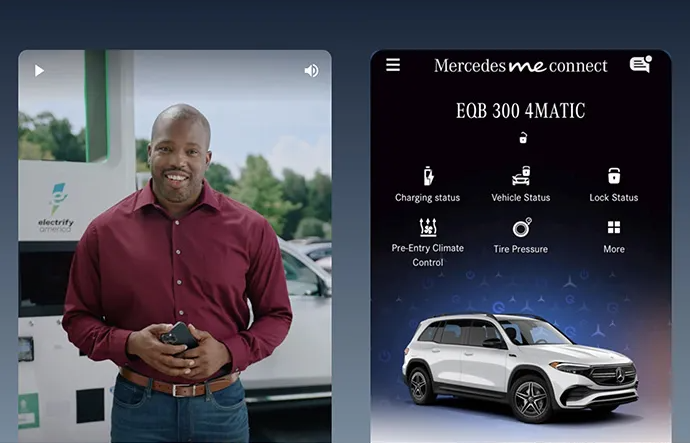
Mercedes-Benz app offers convenient payment across all charging networks. Here’s how to initiate a charge:

  • Plug the charging cable into the socket of your vehicle until it “clicks”.
  • Open the app and select your vehicle.
  • Tap the map icon on the lower right corner to display nearby chargers.
  • From the results list, choose the charging station where you are parked.
  • Confirm the charger ID on the app matches the charger ID where you are parked.
  • Select the “Charge” button to authenticate and initiate the charging session.

Note: Some chargers may require you to first authenticate a session to unlock the charger from the station.

Mercedes-Benz of Milwaukee North All Electric.

MBUX Display

Access chargers through the Mercedes-Benz User Experience (MBUX) system. Here’s how:

  • Search for nearby charging stations using MBUX navigation and select your desired station.
  • Swipe up to display the charging station details.
  • Use the arrows to select the charger where you want to charge.
  • Ensure the charger ID onscreen matches the charger ID where you are parked (for stations with multiple connectors, select the connector that aligns closest to your parking space).
  • After selecting your connector, start the charging session and confirm.
  • Then, exit your vehicle to plug the charging cable into the charging socket until it “clicks”.

Note: The charging cable should be connected to the vehicle within 45 seconds.

Mercedes-Benz of Milwaukee North All Electric.